Messages and notifications
Chat with students and parents, and read the alerts the platform sends you.
Messages

Open the speech-bubble icon at the top (in the app, More → Messages). The left side lists your conversations, most recent first, with the person's name, the date and the last message. A number shows unread messages. Choose a conversation to read it and reply.
You can message the students and parents you are matched with, for example to agree a topic or a meeting place. Keep it about teaching: all messages are subject to the platform's rules.
Tip
For things everyone involved in a lesson may need (the link, the room, what to bring) use the booking's Comments instead, so an administrator can see it if there is ever a dispute.
Notifications
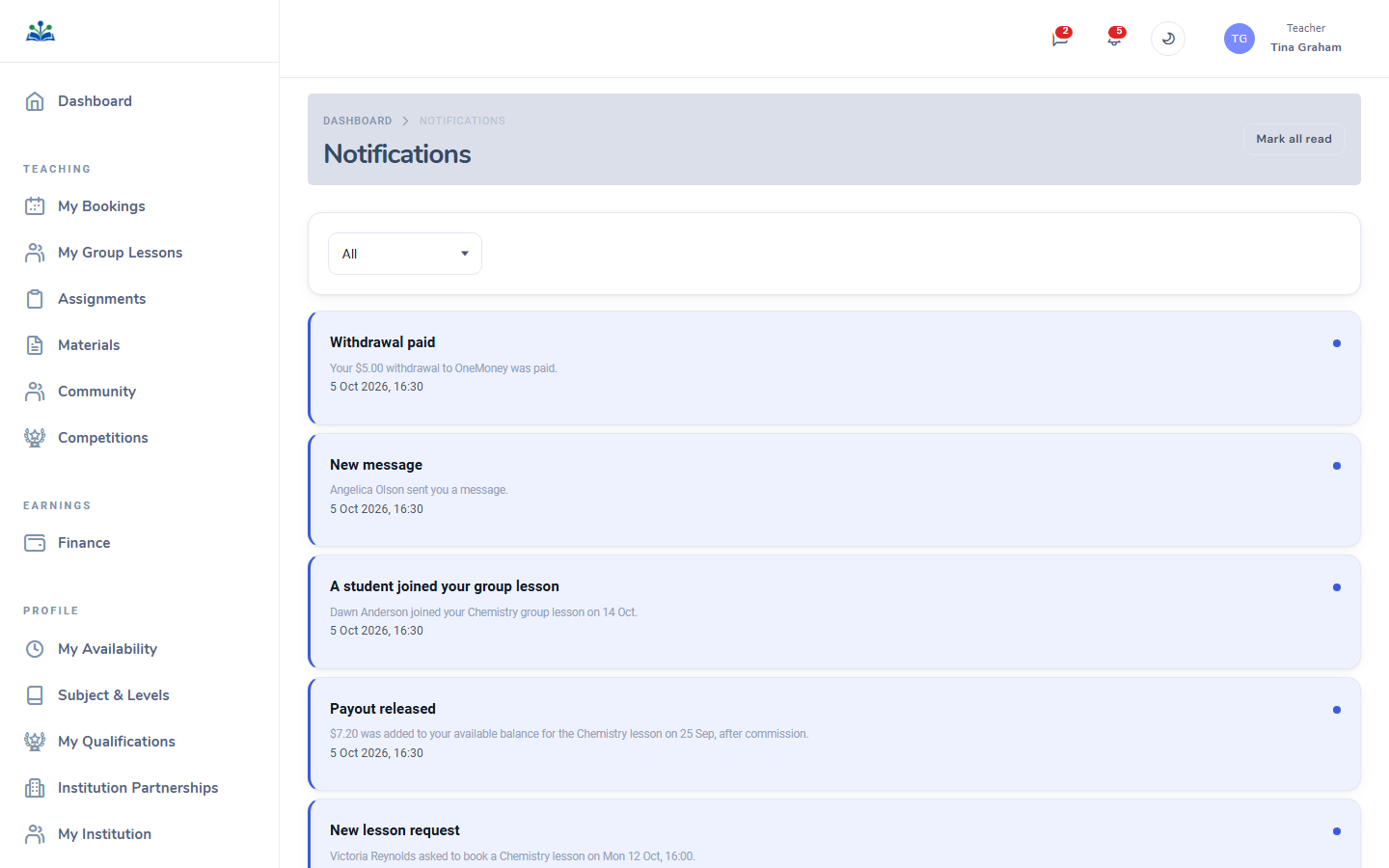
The bell shows a number for what you have not read. Open Notifications to see them all. Use All and Unread to filter and Mark all read to clear them.
| Notification | What it tells you | What to do |
|---|---|---|
| New lesson request | A student asked to book a slot. | Open it and confirm or decline. |
| A booking was assigned to you / taken off you | Your institution gave you a lesson, or took it back. | Confirm or decline an assigned lesson. |
| Booking confirmed, completed, cancelled | The status of one of your lessons changed. | Open the booking if you need to act. |
| Payment received | The student has paid for a lesson. | Look for the PAID tag on the booking. |
| Payout released | A lesson's payout reached your balance, after commission. | See Finance. |
| Payout release available | The wait has passed and you may ask an administrator to release a payout. | See Completing a lesson. |
| Payout release approved / rejected | An administrator decided your request. | Check your balance. |
| Withdrawal paid | An administrator paid your withdrawal. | Check your account. |
| A cancellation penalty was applied | You were charged for failing a confirmed lesson. | See Cancelling and no-shows. |
| A no-show was reported / decided | A student reported you, or a report was decided. | Respond within the window. |
| A student joined your group lesson, Group lesson confirmed / cancelled | The state of a group class. | Check the headcount. |
| New assignment submitted | A student handed in homework. | Grade it. |
| Review received | A student rated a lesson. | Read it. |
| Teacher approved / rejected, Qualification approved / rejected, Examination board, delivery mode or document change approved / rejected | An administrator decided something you sent. | If rejected, read the reason and fix it. |
| Institution partnership requested / approved / rejected | The state of a venue partnership. | See Venues and partnerships. |
| Institution invited you, You were removed from an institution | Changes to your roster membership. | See My institution. |
| Resource or ebook approved / rejected, Ebook purchased | The review of your upload, or a sale. | See Materials. |
| Your community post was approved / rejected / reported, Your question got a new answer | Activity on your posts. | See Community. |
| New message | Someone sent you a message. | Reply. |
Warning
Notifications are how EduConnect reaches you about a booking request or no-show report, and both have time limits. Check them every day you teach.
Comments
Log in to read and add comments on this page.
Log in