Homework, messages, materials, community and your account
The remaining screens, and where to find your password, security and sign-out.
Assignments, messages and materials
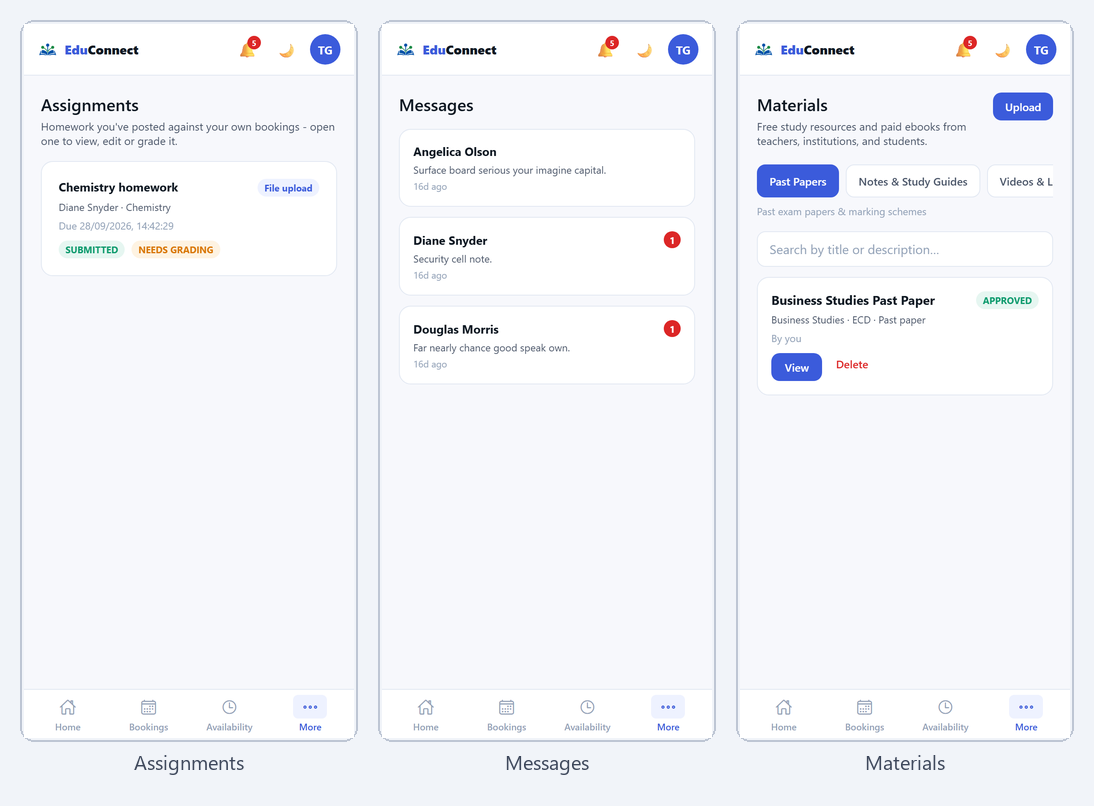
- Assignments: open one to view, edit or grade it. See Assignments.
- Messages: your conversations. See Messages.
- Materials: browse the library, upload resources and ebooks. See Materials.
Community and competitions

Join communities, post questions and teacher posts, and take part in or run competitions. See Community and Competitions.
Your account

Tap your initials at the top. The account screen shows your name, email and status (for example APPROVED), and these items:
| Item | What it does |
|---|---|
| Edit Profile | Your personal and academic details. See Your profile. |
| Change Password | See Password and two-step login. |
| Two-factor sign-in | Add an authenticator app or sign-in codes. |
| Blocked users | People you blocked in Community. |
| Login Activity | A history of sign-ins to your account. |
| Help & Support | Get in touch or browse common questions. |
| Sign out | Log out of this phone. |
Comments
Log in to read and add comments on this page.
Log in