Institution Partnerships: request a venue and see your partnerships
A partnership is permission to use an institution's venue for your physical lessons. It is separate from working for the institution (see My institution).
Optionally write a message, for example "I would like to teach Chemistry to Form 5 students at your school on Saturdays."
Press Send request.
The institution must approve it first. Each partnership then shows a status: PENDING, APPROVED or REJECTED, with the message.
Note
A venue is only usable if the institution has set its venue rate. If you try to schedule a group lesson at a venue that has not, the platform tells you to contact an administrator.
Venue fees are paid by the student on top of your lesson fee and go to the institution (see How you are paid).
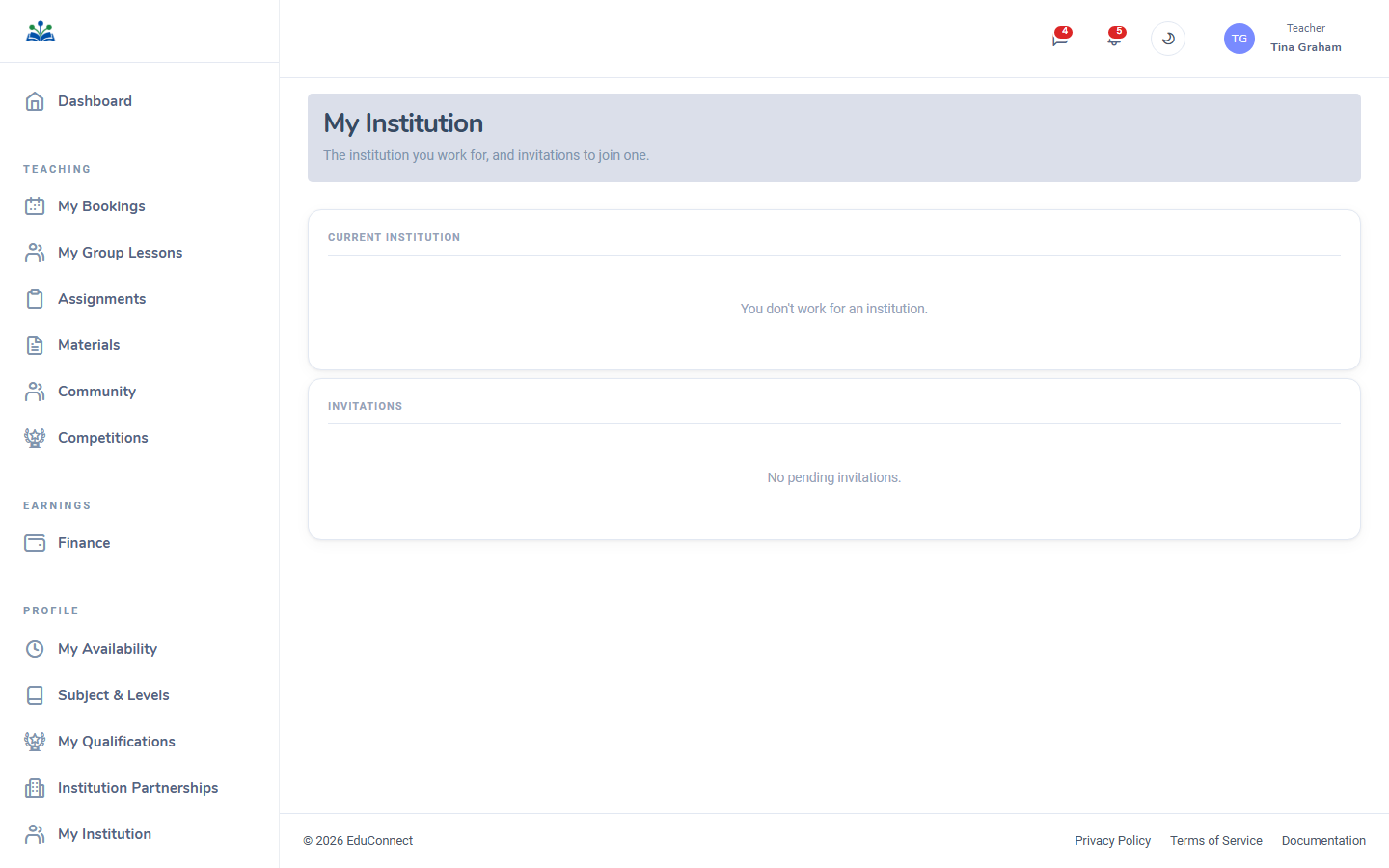
My Institution: where you work and any invitations
If you are on an institution's roster (its list of teachers), this page shows it. If you work independently you will see "You don't work for an institution."
An institution can invite you to join. Pending invitations appear under Invitations, each with Accept and Decline. Take your time: you are never added without accepting.
When a student books the institution, it gives the lesson to a suitable teacher on its roster. You then see it in My Bookings as a pending request. You must confirm, or decline with a reason, before the student is asked to pay.
Warning
If teachers decline an institution's booking too many times (twice by default), it is cancelled and the student is refunded. Decline only when you really cannot teach it.
For lessons you deliver for an institution, the institution is the one that is paid; how you are rewarded is between you and the institution.