Messages and notifications
Messages
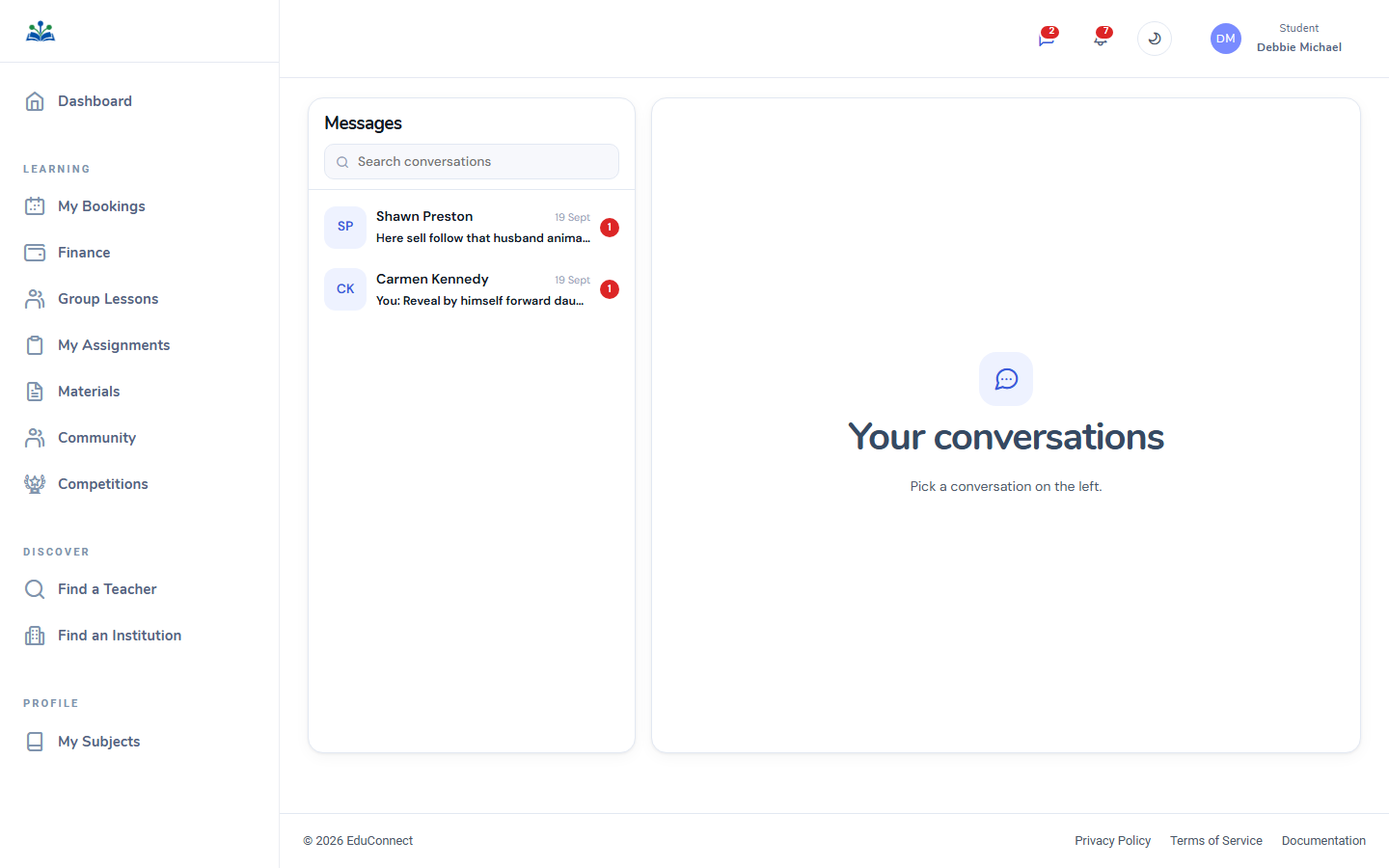
Open the speech-bubble icon at the top (in the app, More → Messages). The left side lists your conversations, most recent first, with a number for unread messages. Choose a conversation to read it and reply.
To start a conversation, press Message on a teacher's or institution's page. It is the easiest way to ask a question before you book: whether they cover a topic, or which hour suits.
Tip
For things everyone involved in a lesson may need (the topic, the link, what to bring) use the booking's Comments instead, so an administrator can see it if there is ever a dispute.
Notifications
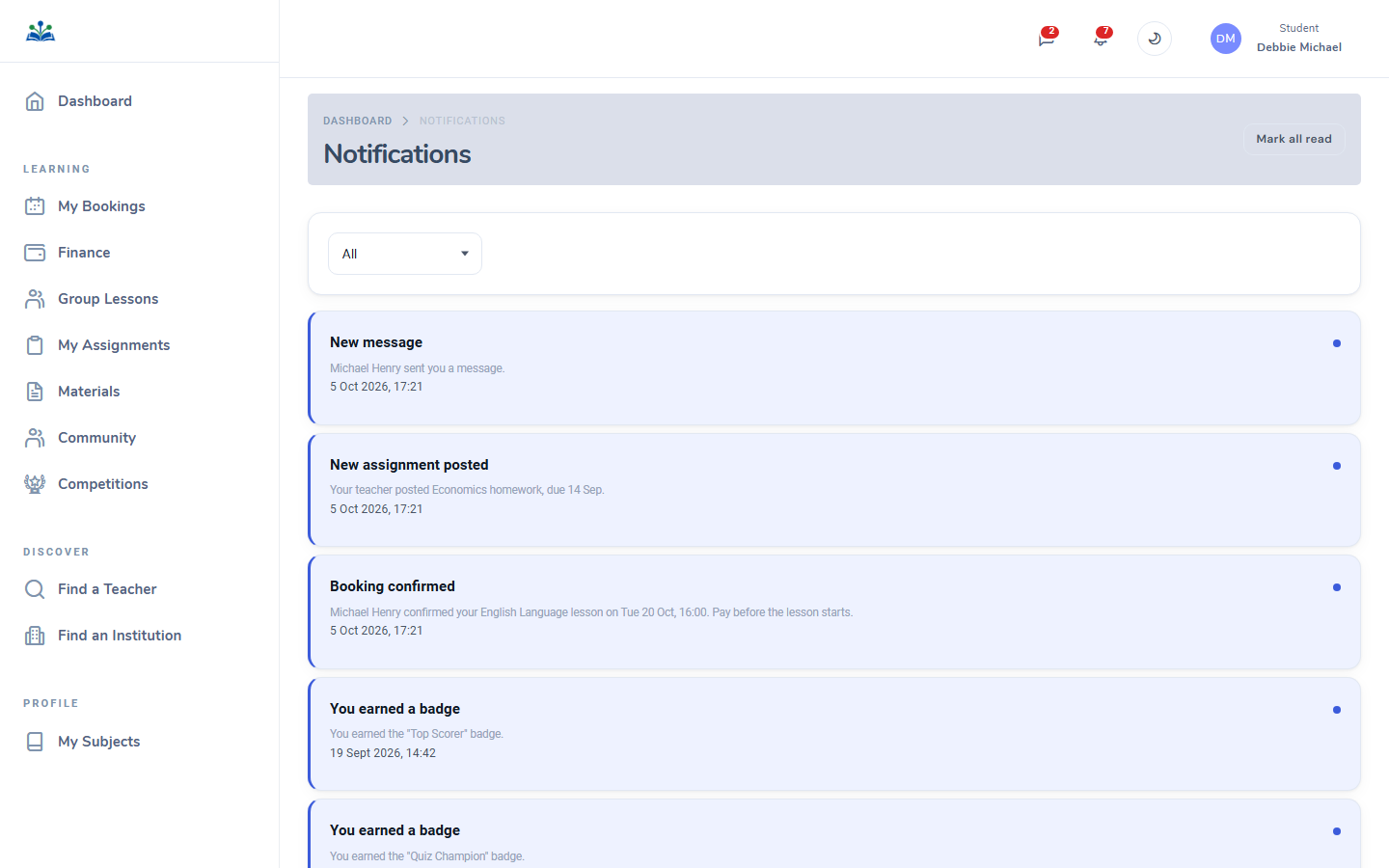
The bell shows a number for what you have not read. Open Notifications to see them all. Use All and Unread to filter and Mark all read to clear them.
| Notification | What it tells you | What to do |
|---|---|---|
| Booking confirmed | A teacher accepted your request. | Pay before the pay-by time. |
| A lesson payment is due soon | You have not paid yet. | Pay now. |
| Booking cancelled | A booking was cancelled. | Read why, and book again if needed. |
| Refund added to your wallet, Compensation added to your wallet | Money came back to your wallet. | See Wallet. |
| A cancellation penalty was applied, Free pass used | You lost part of a fee, or used your free pass. | See Cancelling. |
| A no-show was reported / decided | A report about you, or about your teacher, moved on. | Respond within the window. |
| An amount you owed was settled, A waiver request was decided | The state of a debt. | See Owing money. |
| New assignment posted, Assignment graded | Homework from your teacher. | Open My Assignments. |
| Last chance to leave a group lesson for free | A group lesson you joined is about to be decided. | Leave now, or keep your place and be ready to pay. |
| Group lesson confirmed / cancelled | The decision was made. | Pay a confirmed lesson. |
| You earned a badge, Your question got a new answer, Your community post was approved / rejected | Activity in Community. | See Community. |
| New competition published | A competition you may like. | See Competitions. |
| New message | Someone sent you a message. | Reply. |
Warning
Notifications are how EduConnect reaches you about a payment deadline and a no-show report, and both have time limits. Check them often.