Finding an institution
Schools, academies and centres: what their page shows and what they can offer you.
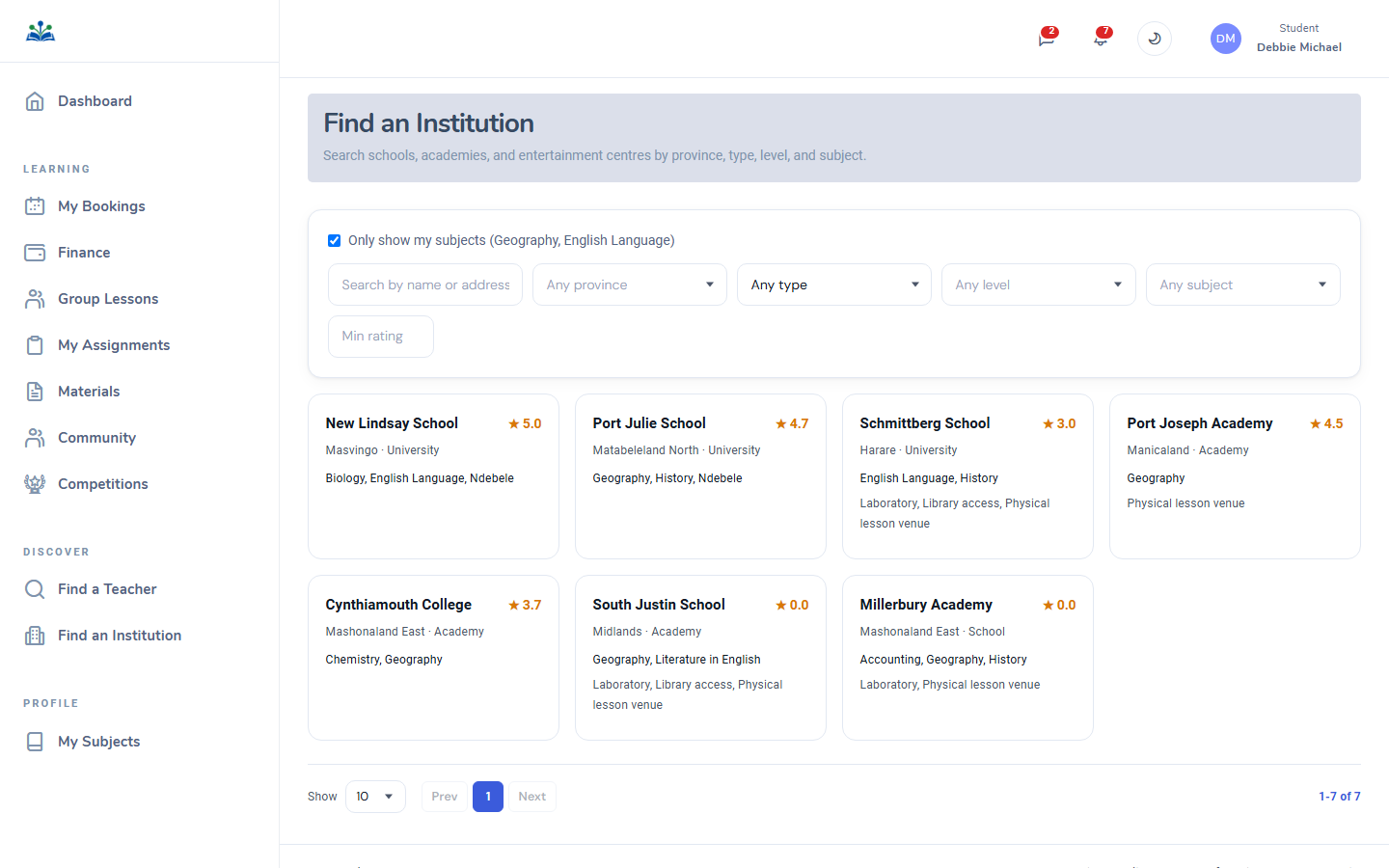
Open DISCOVER → Find an Institution. The filters are province, type (School, Academy, Entertainment centre, University), level and subject, plus the Only show my subjects switch.
Each card shows the institution's name, rating, place, type, the subjects it offers, and badges for what it has: for example Library access, Laboratory or Physical lesson venue.
An institution's page

| Section | What it tells you |
|---|---|
| Contact | Address and the person to talk to. |
| Subjects offered | Subjects and levels, with the hourly price. |
| Facilities | For example a Physical lesson venue. |
| Availability | When lessons can be held. |
| Rating and Reviews | What other students said. |
What you can do with an institution
What you can do depends on a platform setting:
| The platform allows… | You can… |
|---|---|
| Institutions as venues only (the default) | Not book the institution itself. Its venue can host a physical lesson with a partnered teacher, and you pick it when you book that teacher. |
| Individual lessons | Book the institution for a one-to-one lesson. Someone at the institution gives your lesson to one of its teachers, who must confirm it before you are asked to pay. |
| Group lessons | Join group lessons the institution schedules. |
The page always has Message (ask first) and Book this institution, but a booking is only accepted when the platform allows institution bookings. If it is not allowed (the default), use the institution as a venue instead.
Note
A lesson booked with an institution is paid to the institution. You still pay through EduConnect, never in cash to a person.
Comments
Log in to read and add comments on this page.
Log in