Materials: free resources and ebooks
Browse notes, past papers and set books, buy an ebook, and understand how uploaders earn.
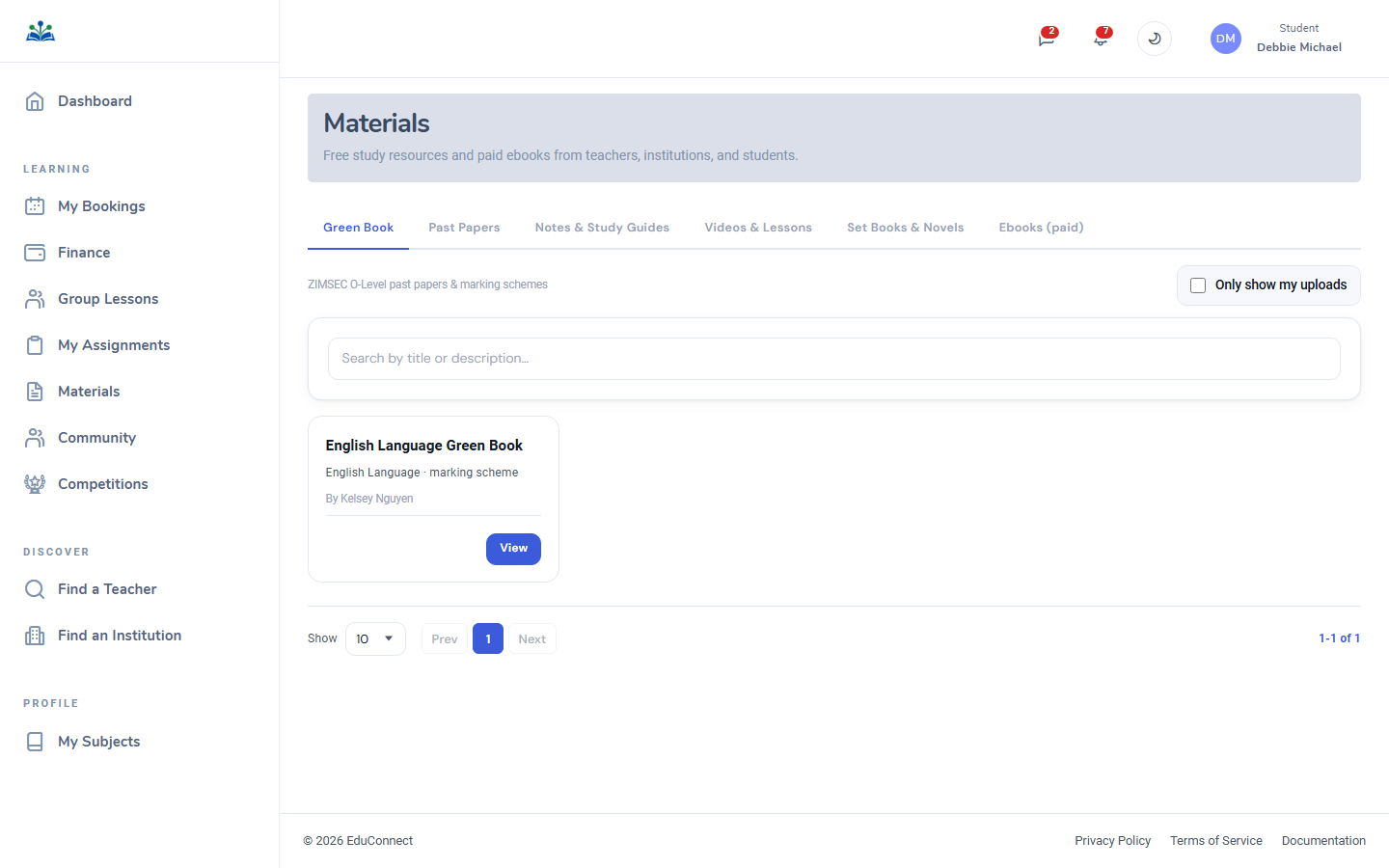
LEARNING → Materials is a library of free study resources and paid ebooks shared by teachers, institutions and sometimes other students. Use the tabs to browse by category: Green Book, Blue Book, Past Papers, Notes & Study Guides, Videos & Lessons, Set Books & Novels and Ebooks (paid). The line under the tabs tells you what the category holds, for example ZIMSEC O-Level past papers & marking schemes.
Resources are shown for your subjects: add them in My Subjects.
Open a free resource
Press View on a card. A card shows the title, the subject and type (for example Mathematics · marking scheme) and who uploaded it. Free resources cost nothing.
Note
Every time you open a resource, its uploader may earn a small amount from EduConnect (for example $0.02, at most once per day per resource). It never costs you anything.
Buy an ebook
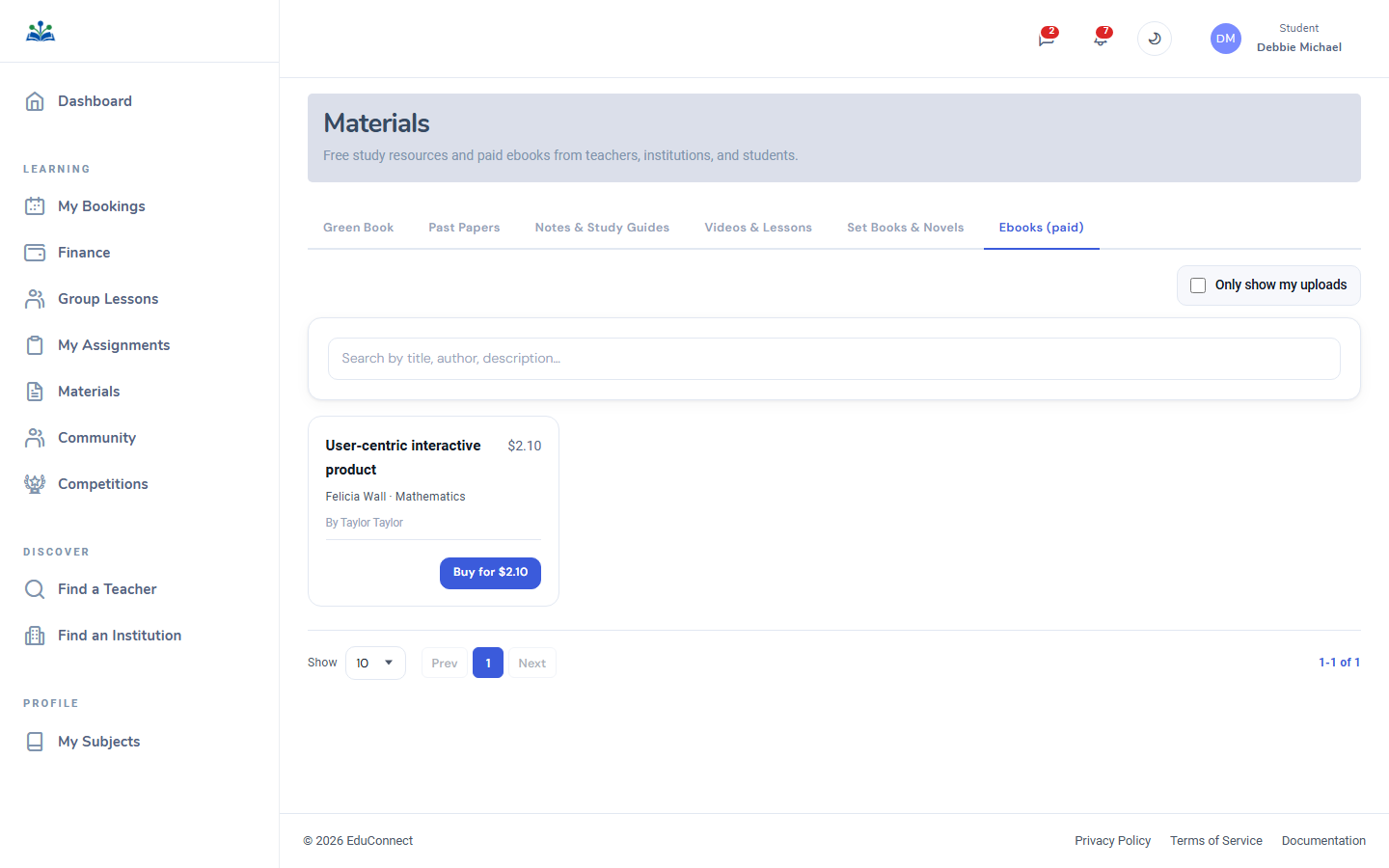
- Open the Ebooks (paid) tab.
- Press Buy for $… on the book.
- Choose a payment method (EcoCash, OneMoney, ZIPIT or Visa/Mastercard) and, for mobile money, your phone number.
- Press Pay now.

When the payment is confirmed, the button changes to View and the ebook is yours. If the page says "reload to download", refresh it.
Upload your own
Whether students can share materials is set by administrators. By default students can browse only. If uploading is allowed, an Upload button appears, and Only show my uploads lets you see your own.
Uploads may need an administrator's approval before others can see them.
Comments
Log in to read and add comments on this page.
Log in