Wallet, group lessons, homework and more on your phone
The More-menu screens for your wallet, group lessons, subjects, homework, messages, institutions, materials, community and competitions.
Wallet and group lessons

- Finance: your Wallet balance, Deposit money, Withdraw and your history. See Wallet.
- Group Lessons: filter by subject, online or physical, and date; tap Join or Leave. See Group lessons.
Warning
Check the destination carefully before you tap Request withdrawal, the same as on the website.
Subjects, homework and messages
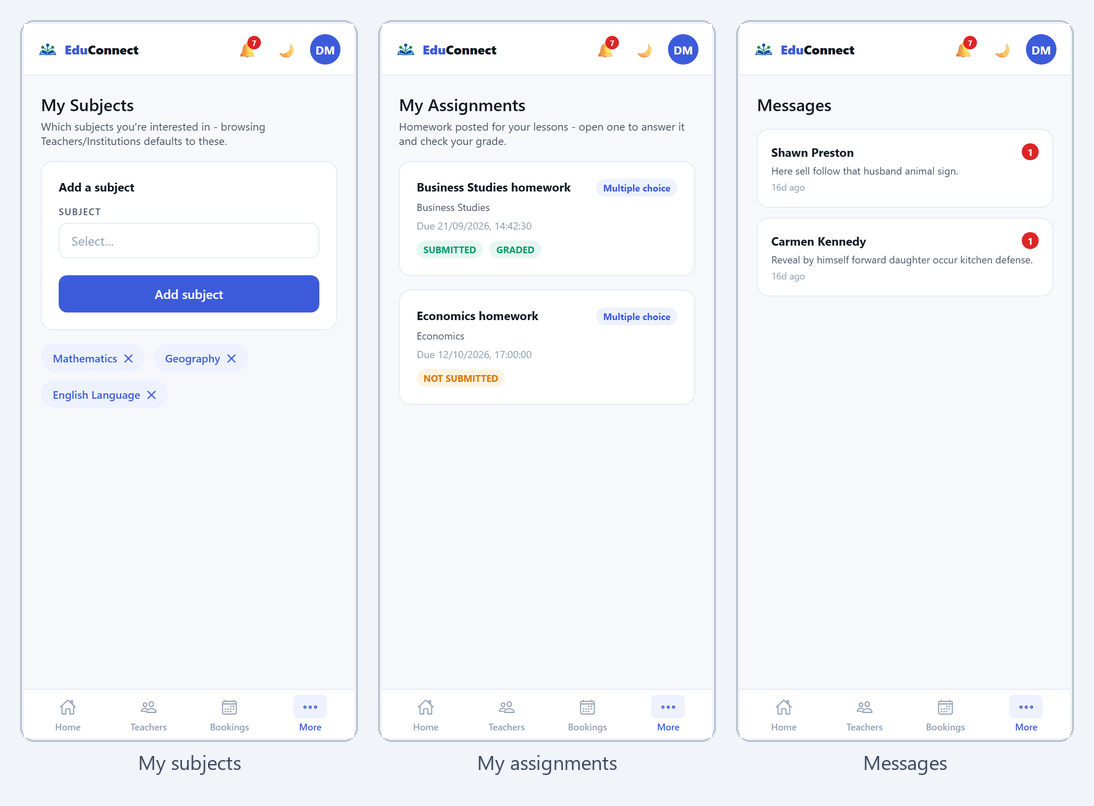
- My Subjects: add or remove subjects. See My Subjects.
- My Assignments: open homework to answer it and check your grade. See Assignments.
- Messages: your conversations. See Messages.
Institutions, materials, community and competitions
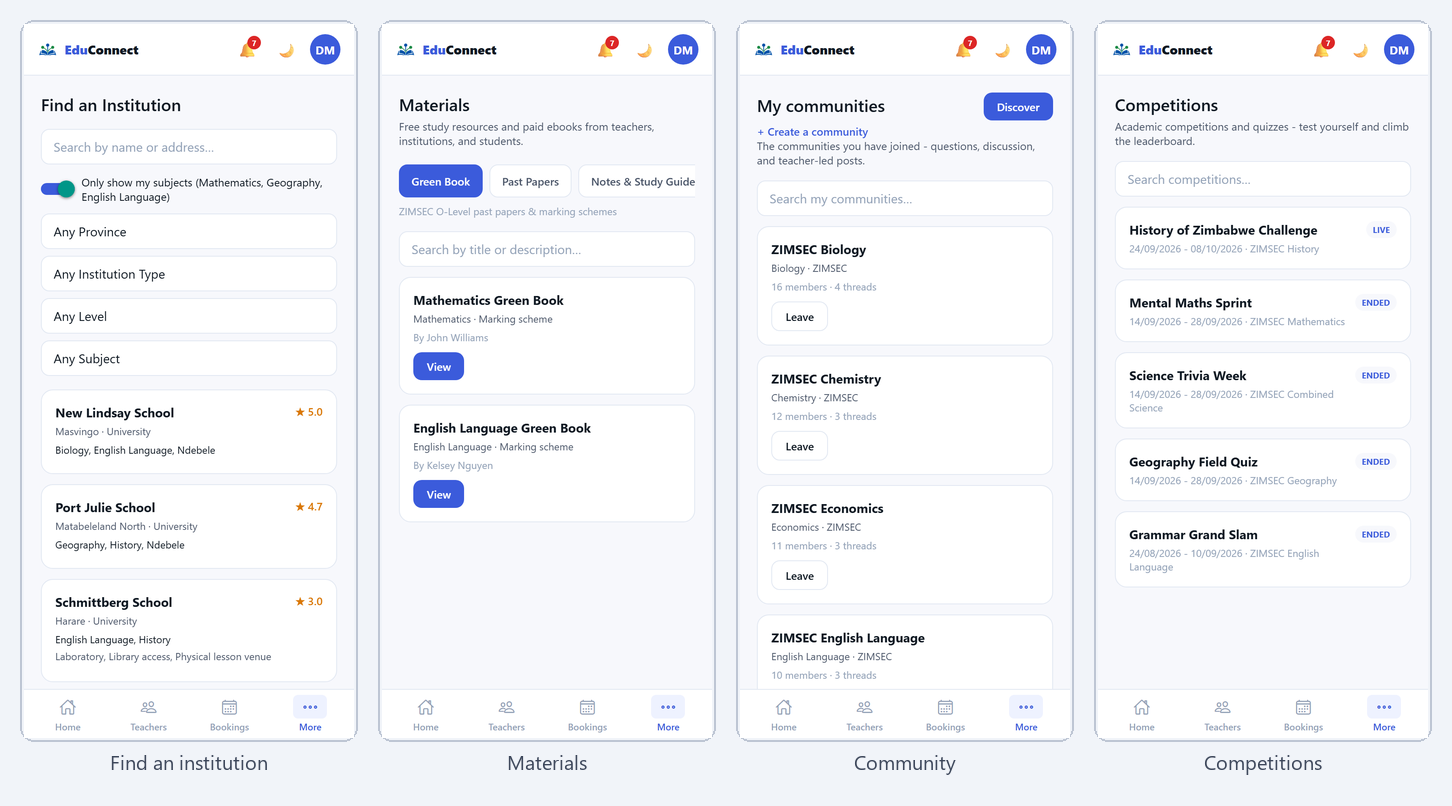
- Find an Institution: search schools and academies. See Institutions.
- Materials: browse the categories and tap View. See Materials.
- Community: join and leave communities; Discover shows more; Create a community starts one. See Community.
- Competitions: tap one to see its quizzes. See Competitions.
Your account
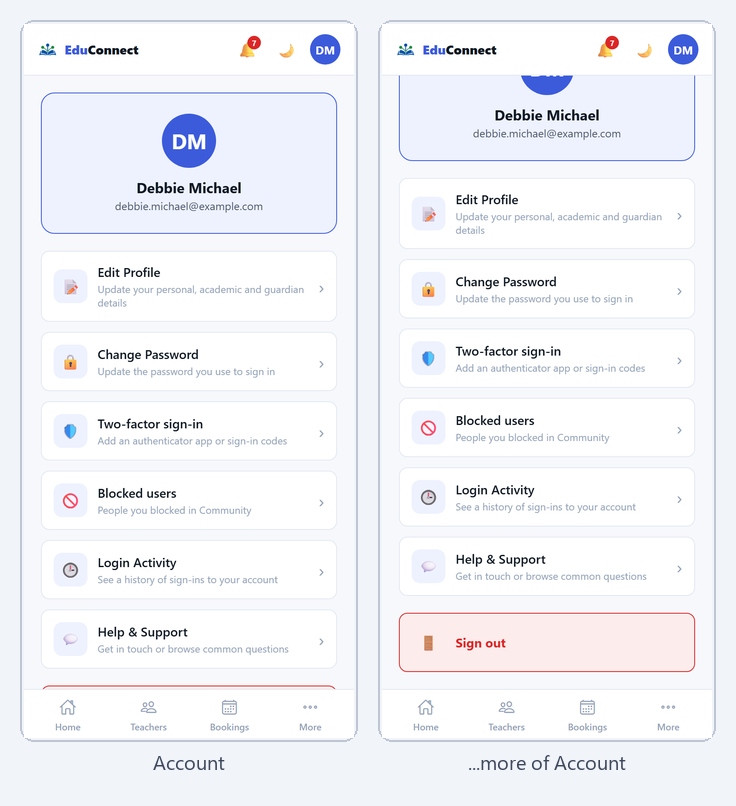
Under ACCOUNT in More, tap your name. The account screen shows your name, email and these items:
| Item | What it does |
|---|---|
| Edit Profile | Your personal, academic and guardian details. See Your profile. |
| Change Password | See Password and security. |
| Two-factor sign-in | Add an authenticator app or sign-in codes. |
| Blocked users | People you blocked in Community. |
| Login Activity | A history of sign-ins to your account. |
| Help & Support | Get in touch or browse common questions. |
| Sign out | Log out of this phone. |
Comments
Log in to read and add comments on this page.
Log in