Community
Join subject communities, ask questions, answer other students and keep it friendly.
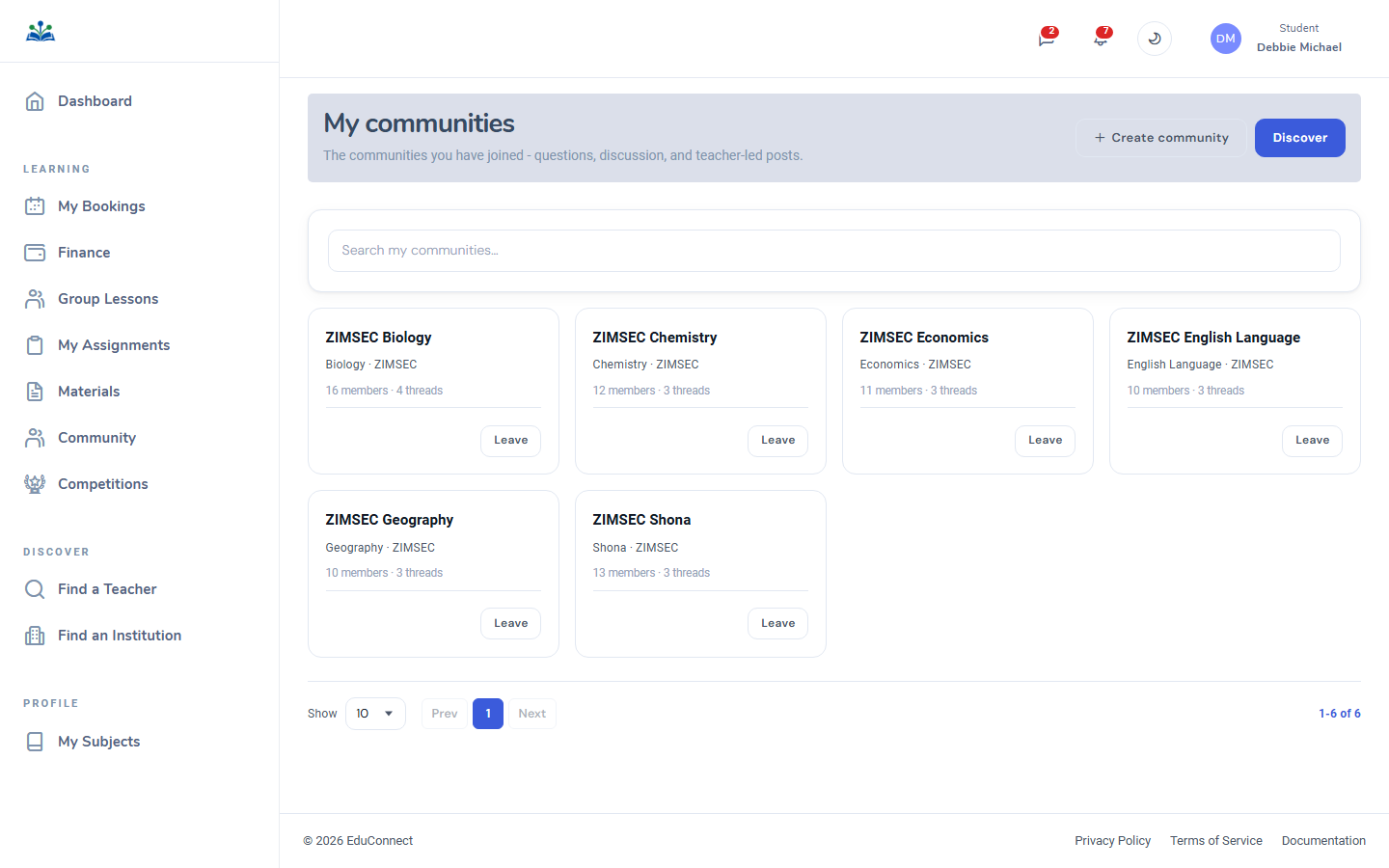
LEARNING → Community is where students and teachers talk about a subject. Each community is tied to a subject and an examination board, for example ZIMSEC English Language.
- My communities lists the ones you have joined, with members and threads.
- Discover lists others you can join. Press Leave to stop following one.
- Create community lets you start one, if the platform allows it.
- When someone invites you to a community, you get a notification and the invitation appears on the Invitations page.
Inside a community
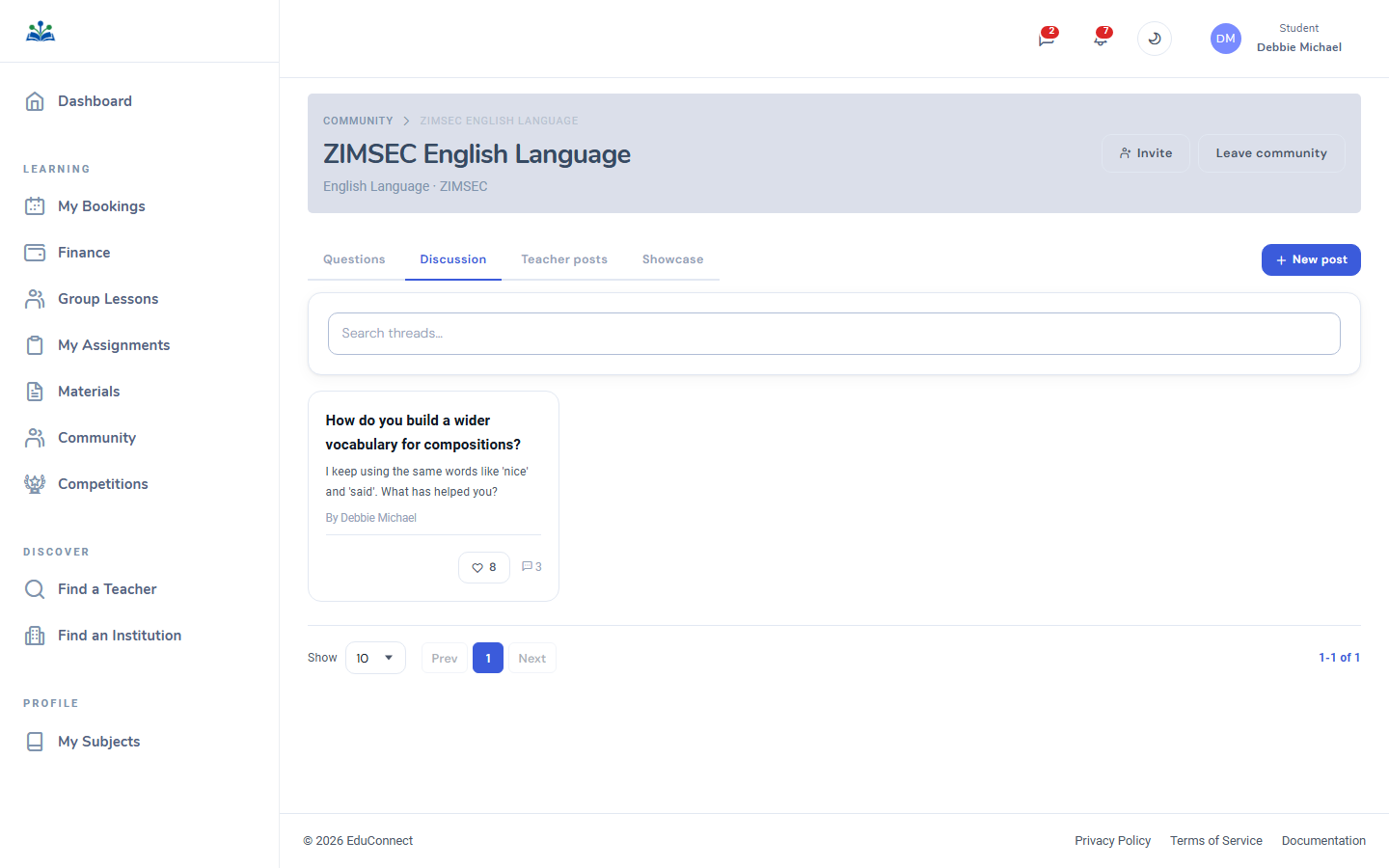
The feed has tabs for each kind of post:
| Tab | Used for |
|---|---|
| Questions | Ask for help. Anyone can answer. |
| Discussion | General conversation. |
| Teacher posts | Teaching content that only teachers and institutions publish. You read it. |
| Showcase | Work you are proud of. |
Post a question
- Press New post.
- Choose the type (Questions, Discussion or Showcase), write a title and body, and optionally add an attachment or a video URL.
- Press Post.
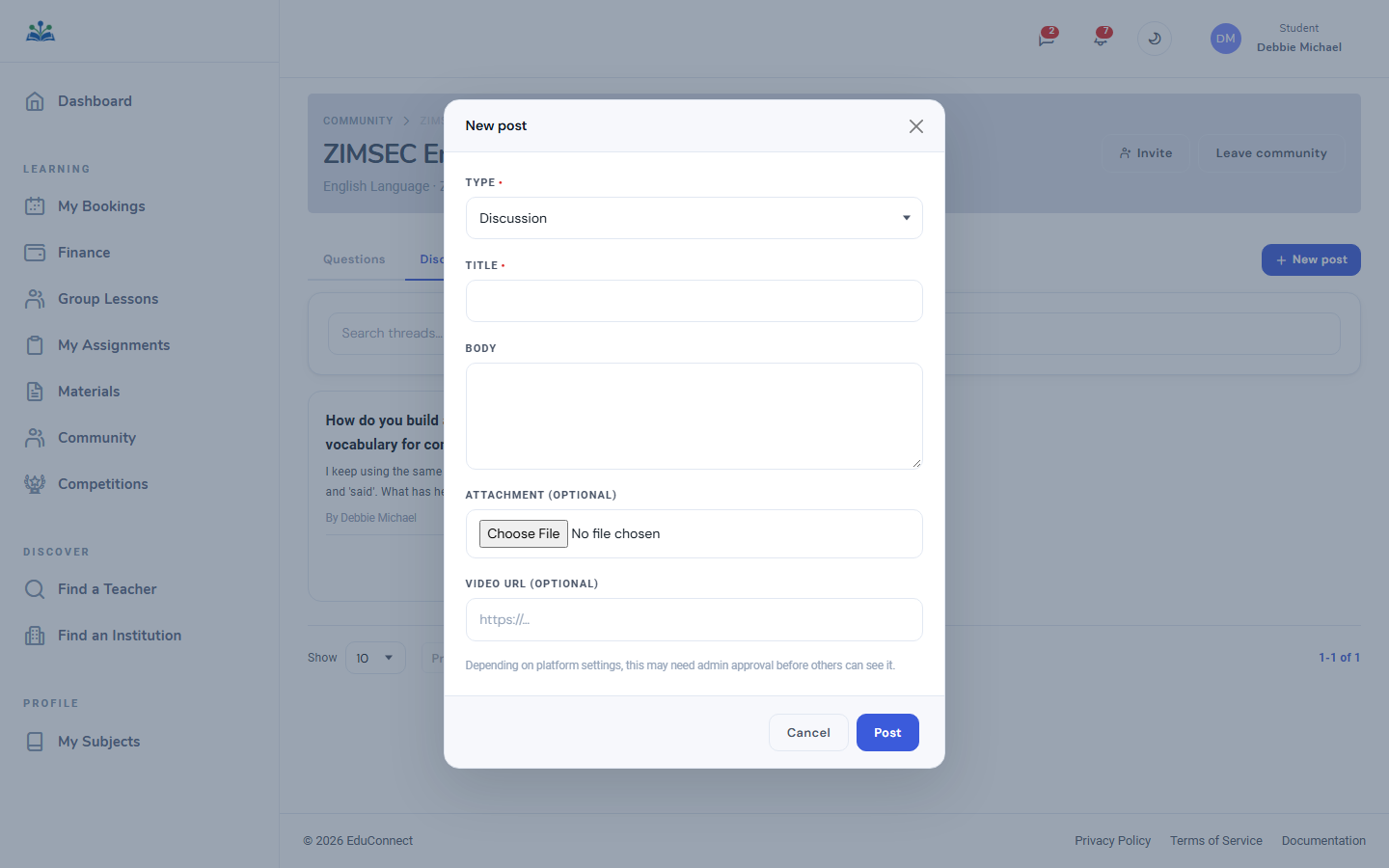
The form warns you: "Depending on platform settings, this may need admin approval before others can see it."
Read and answer
Open a post to read it.
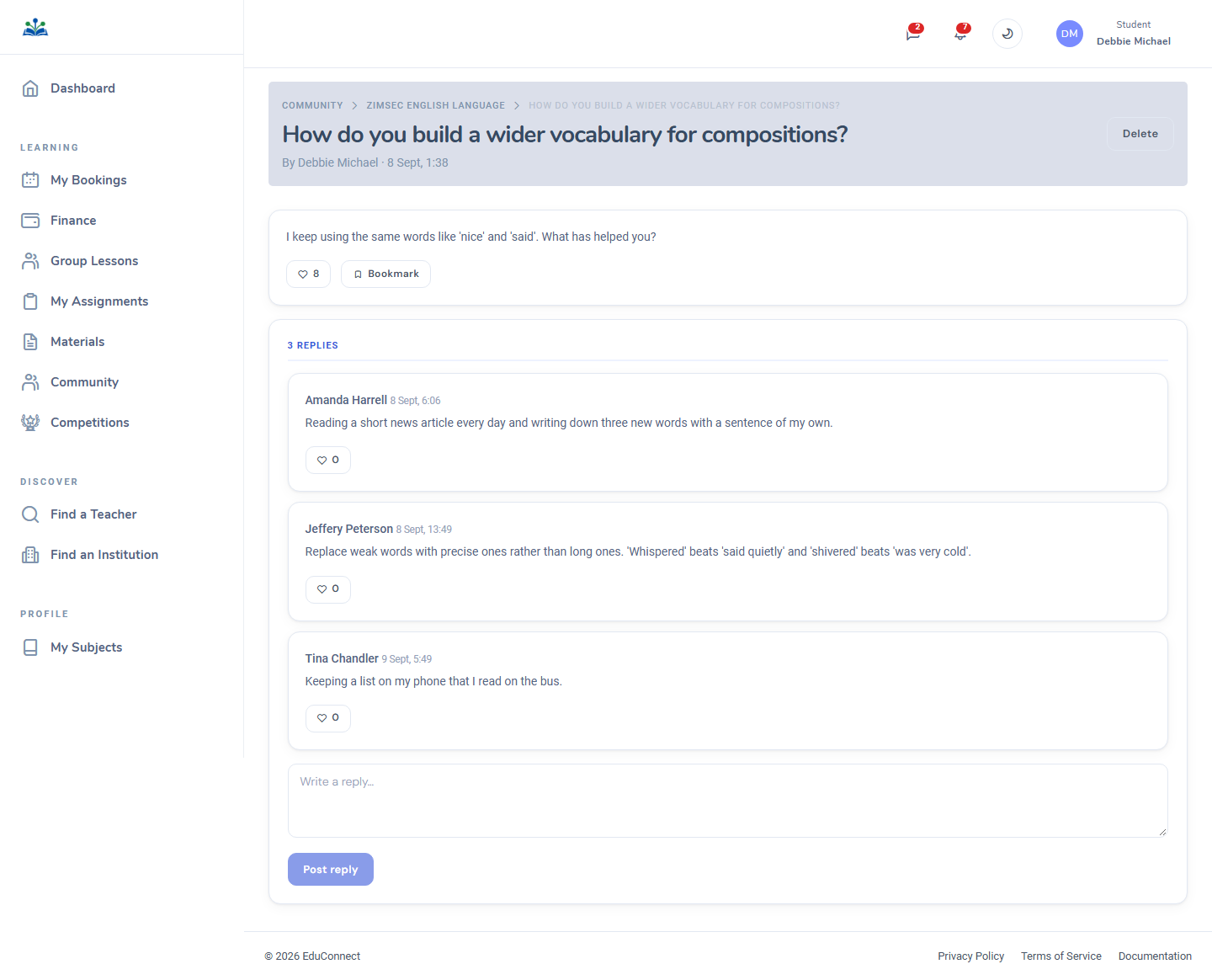
- Press Post reply to answer. A helpful answer can be marked as the accepted one by the person who asked.
- Each post shows how many people liked it. You can Bookmark a post to find it again.
- You can Delete your own post. You can report a post that breaks the rules; administrators review reports.
- You can block a user who bothers you: in the app see Blocked users under your account.
Warning
Be kind and keep it about studying. Do not ask others to do your homework for you, do not advertise, and do not share phone numbers or take the conversation off the platform. Such posts are rejected.
You can earn badges for taking part, and you get a notification when you do.
Comments
Log in to read and add comments on this page.
Log in